
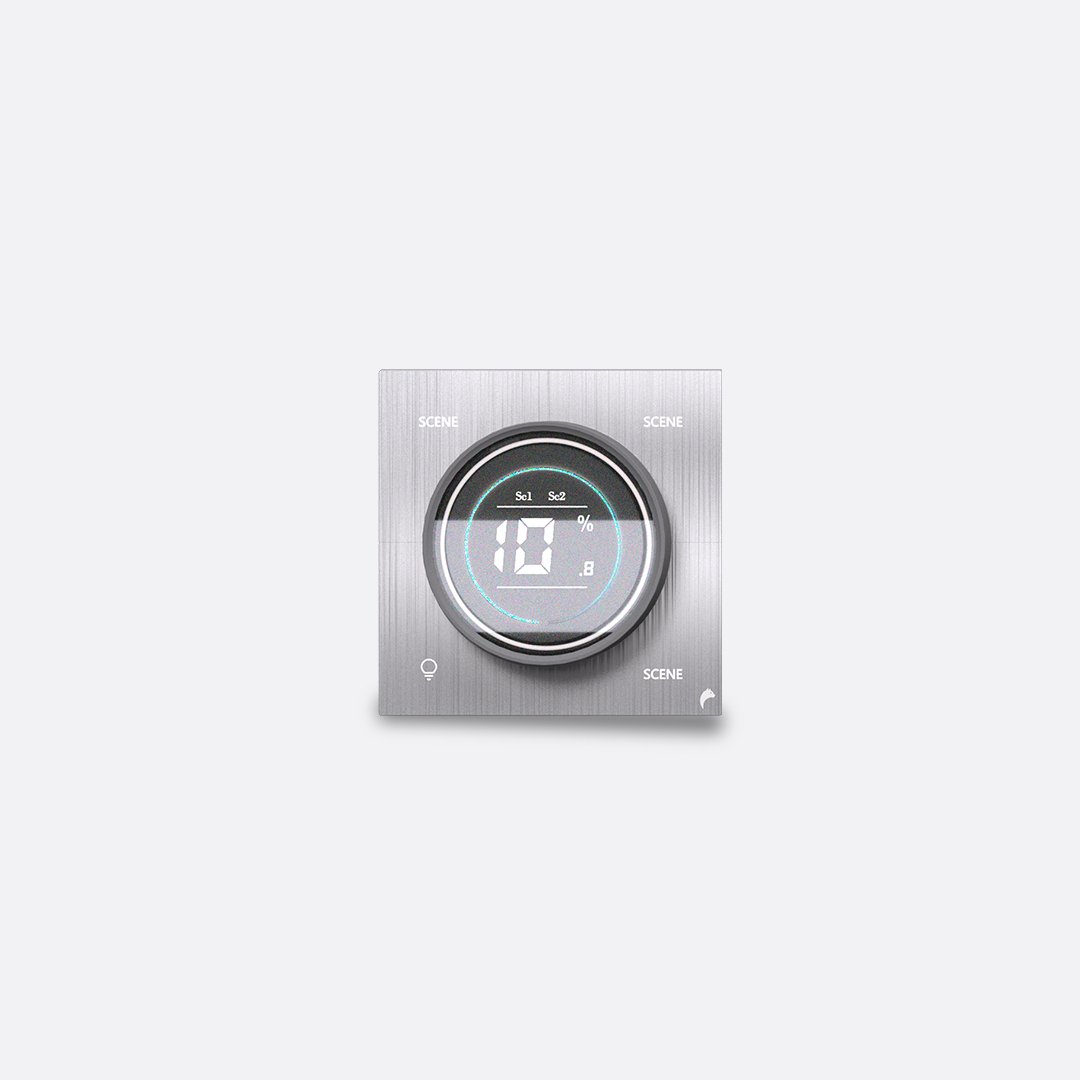
Picking a smart switch panel for home use means matching the device to your walls, wiring, and daily habits. Smart switch panels are the single most-touched device in a smart home, yet most people buy the first sleek panel they see without checking whether it actually fits their walls, wiring, or daily habits. This guide walks through five things that actually matter when choosing one.
1. Start With How You Want to Control It
Every panel in the Blackcat range can be operated more than one way, but most homes end up leaning on one or two methods daily. Touch switches are the most reliable for guests and older family members since there’s nothing to pair or charge. A mobile app is best for rooms you control remotely, like checking whether the porch light is off. Voice control through Alexa, Google Home, or Siri suits hands-full moments in the kitchen or nursery. NFC tags are a nice touch for a bedside table or entryway. Scene and schedule control matter most if you want one tap to set “movie night” or “leaving home” instead of touching five switches. Decide which of these your household will actually use before you shop, since it narrows the panel list fast.
2. Match the Panel to Your Circuit Layout
Before you fall in love with a design, count what’s actually behind the wall plate. Panels are sold by switch count (commonly 4, 6, 8, 10, 12, 14, 16, and 18-gang layouts) and some combine switches with sockets, fan control, or curtain control on the same plate. If a room already has, say, 6 separate points wired to one gang box, buying a 4-switch panel means leaving wiring unused or bunching two functions onto one button. Walk through each room, note how many loads it currently controls, and check whether you also want a socket or curtain motor on that same panel before picking a layout.
3. Pick a Connectivity Type
This is the one spec people skip and regret. Wi-Fi panels connect straight to your router, no extra hardware, which is simplest for a first smart-home purchase or a single room. Zigbee panels are lower-power and more stable at scale, but need a hub, which pays off once you’re wiring up a whole house and don’t want a dozen devices competing for Wi-Fi bandwidth. Basic and Rx-Tx operation modes are for simpler, wired scenarios where you’re pairing switches directly to receivers without a smart hub or app at all. If you’re starting with one or two rooms, Wi-Fi keeps things simple. If you’re planning a whole-home rollout, it’s worth standardizing on Zigbee from the start.
4. Choose a Finish That Fits the Room of Your Smart Switch Panel for Home
A switch panel sits on the wall permanently and at eye level, so it’s as much a design decision as a technical one. Plate color (Blackcat offers finishes like Black, White, Aura Gold, Basalt Grey, Meteorite Brushed, and Stealth Black) should follow your wall and trim color rather than fight it. Bezel color, the metal edge around the plate, is a smaller accent that can match or contrast, in Black, Golden, or Silver. As a simple rule, a light wall with warm wood tones pairs well with a white or gold-bezel plate, while a dark, modern space usually looks sharper with a black plate and matching bezel. If you’re outfitting multiple rooms, pick one finish family and stay consistent so the whole home feels considered rather than mismatched.
5. Don’t Forget Retrofit Compatibility
You don’t need to rewire your house to go smart. Most Blackcat panels are built as retrofit-friendly replacements for standard gang boxes, so an existing switch location can usually be swapped without breaking into the wall. The detail to check is neutral wire availability at the switch box, since many smart panels need a neutral to stay powered. If you’re not sure what’s behind your current plate, it’s worth a quick check by an electrician before ordering, especially in older homes. New builds and full renovations have it easier since the electrician can plan for smart panels from the start. Either way, checking this one detail early keeps a smart switch panel for home retrofit simple instead of a rewiring project.
Quick Buying Checklist
- Pick your primary control method: touch, app, voice, NFC, or scene control
- Count the switch/gang layout you actually need per room, plus any sockets or curtain control
- Choose Wi-Fi for a single room or first purchase, Zigbee for a whole-home rollout
- Pick a plate and bezel finish that matches your wall and trim, and stay consistent across rooms
- Confirm a neutral wire is present at the switch box, or have an electrician check before ordering
Once you’ve settled on control method, layout, connectivity, and finish, the rest is just picking the model that checks all four boxes. Browse the full range by category, including Switch & Control, Touch Plate, and Exotic finishes, to see current options and colors in stock. Take your time here — the right smart switch panel for home use is one you’ll touch every day, so it’s worth getting each of these choices right before you buy.